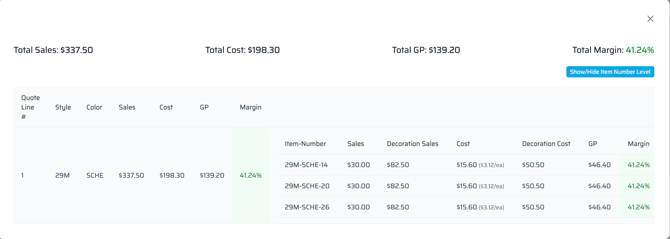
Quick Quote provides at-a-glance margin information when items get added to an order. The total price of the line item and the order total will be color coded based on the margin numbers below:
-
RED - Under 25% margin
-
ORANGE – 25.1 – 35% margin
-
GREEN – 35.1% margin and above
Margin/Gross Profit can be viewed two ways: by line margin or order margin. An item's commission cost can also be viewed here.
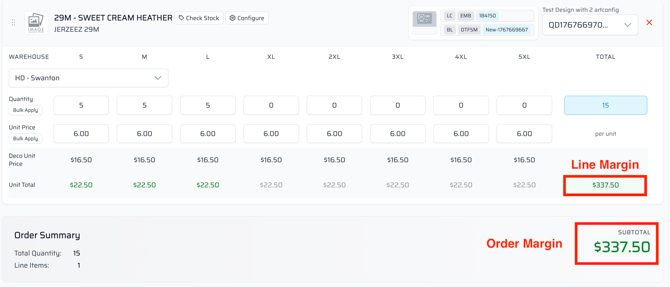
Line Margin view:
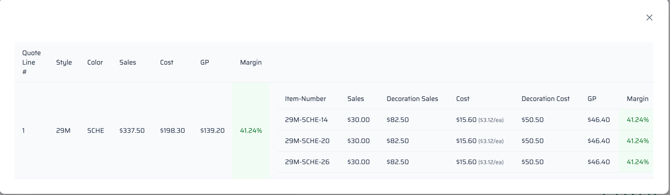
Order Margin view: