
In the Draft of the Quote:
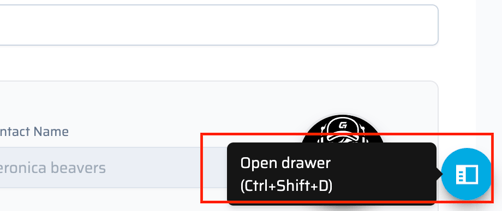
A user can view comments on any quick quote when they are in the quote. Much like our team store platform, there is a left side drawer that can be exposed by selecting the blue circle in the bottom right of the screen.
In this drawer is where the user can view the comments left by anyone internal or external (customer). The customer's comments will either be under Main or Public comments.
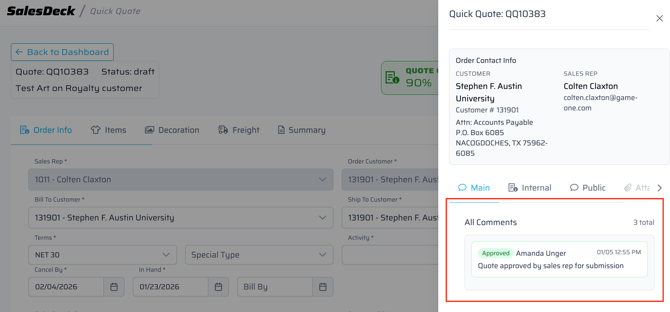
Approval or Rejection comments on Quick Quotes will also be in the Sales Deck notifications. This can be access by selecting the bell icon in the bottom right or top left of the screen.