
When a Quick Quote is started, the system automatically sets the "Cancel By Date" to 30 days in the future. When this date passes, the user will be reminded that the quote is getting stale and needs action (cancel, convert, or extend the cancel date).
-
Select the Quick Quote that is needing more time for the customer to make a decision.
- In the main screen, update the cancel date.
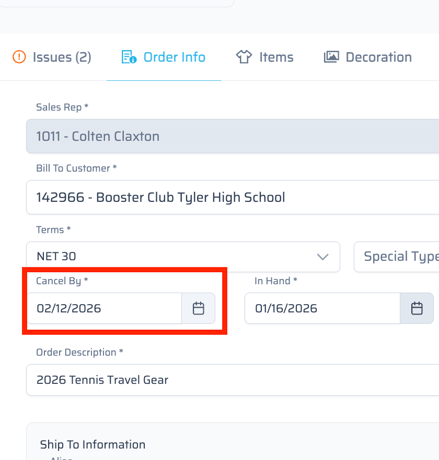
- Extend this date out further to provide more time for the customer to respond.
-
Once a cancel date has passed, we are unable to copy that to a draft in the current state of Quick Quote (1/15/26).
-
When entering quotes that will not be released until several months in the future, it is good practice to change the cancel date upon quote entry to avoid the system reminders.