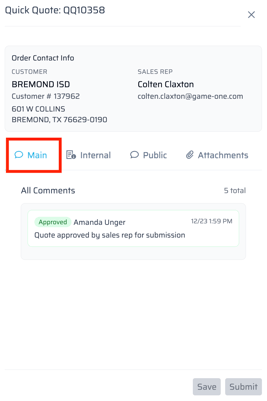
Please note comments cannot be added once quote has been submitted to FDM4.
-
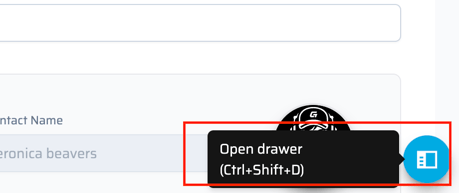
Open the Drawer by selecting the blue circle in the bottom right of the screen.
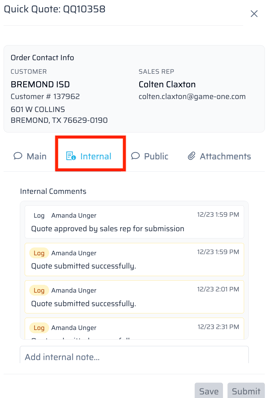
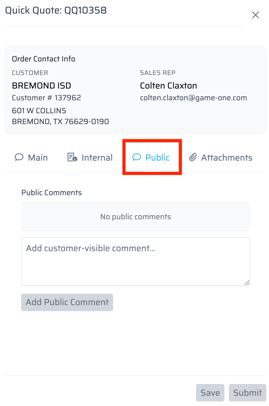
- We are able to leave Internal or External comments. Internal comments will transfer to FDM4 as a Non-Printable comment and external comments will transfer to FDM4 as an O/E Header comment.
- The main tab in this drawer will show all Comments on a quick quote.