
Please note attachments cannot be added once quote has been submitted to FDM4.
-
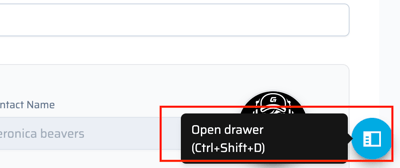
Whenever something needs to be attached to the quote, the ability to do this is in the drawer that opens when the blue circle in the bottom right, is selected.
-
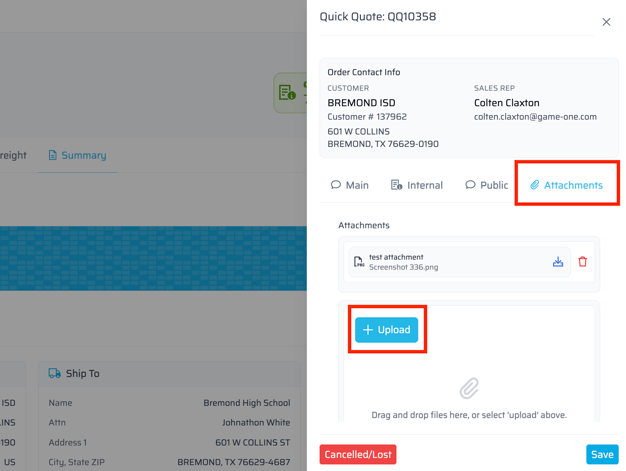
In the drawer there is an attachments tab. Selecting the blue "+Upload" button will open the computer file explorer.
-
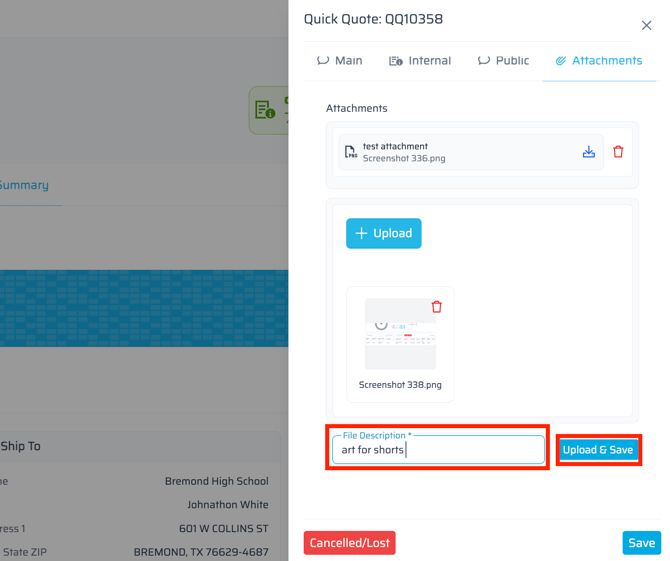
There is a field to enter a description for the file being attached. Make sure to select Upload & Save.
-
Once the order is submitted to FDM4, the attachments will transfer to the ERP for everyone internally to download and view.
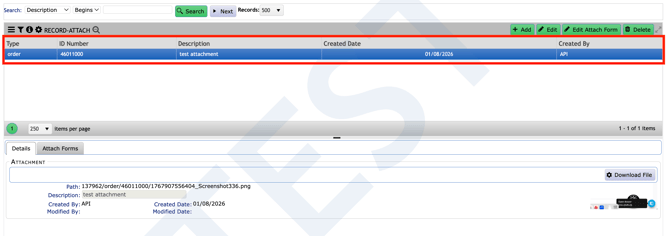
Examples may include rosters, hard copy of customer PO, art, etc.